

Troubleshooting Smartphone Connectivity Issues
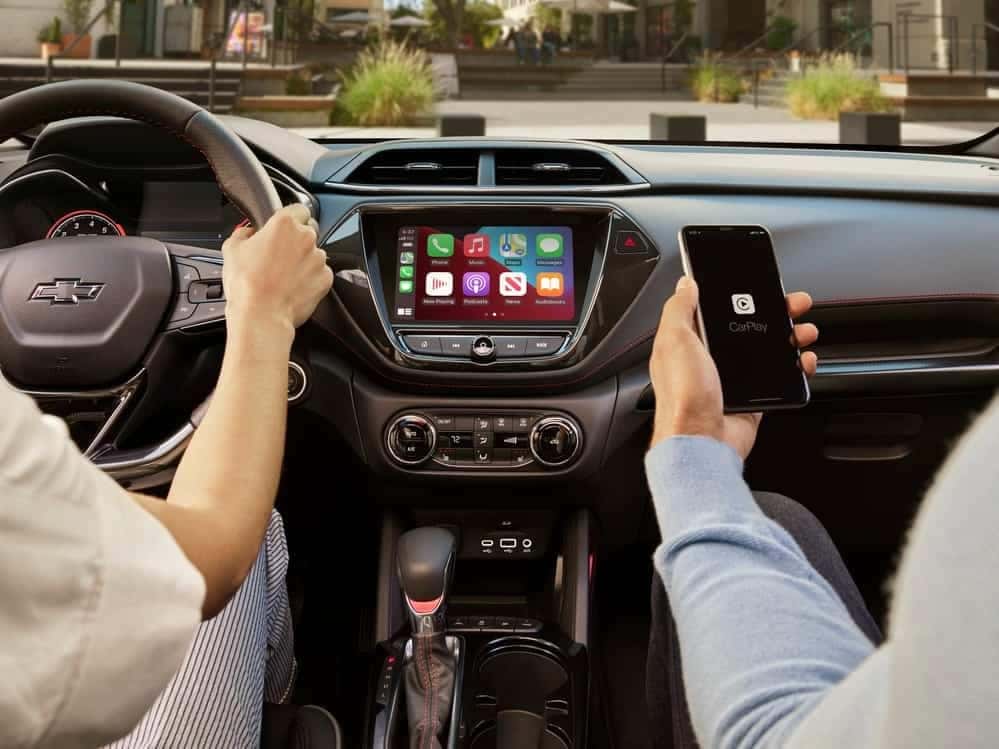
One of the most convenient features of modern automobiles is their ability to connect to Bluetooth® for phone calls, text messages, and infotainment, and in nearly every case, that technology runs like a dream. Sometimes, however, technology can be frustrating, and in those cases, it helps to know how to troubleshoot. If you’re getting a “Chevy device not connected” message, you’ll likely want to fix that problem as soon as you can.
How to Troubleshoot Smartphone Connectivity Problems
There are a few things you can try on your own to correct the issue in your Chevrolet vehicle. Here’s the order in which we suggest trying to fix your “Chevy device not connected” error message.
- First, check to see if your smartphone has a software update that you’ve putting off. Sometimes, the problem is an incompatibility with outdated phone software, and a quick update can solve the problem.
- If that doesn’t solve the issue, check your cell signal. If it’s not strong, that could be the problem. See if the issue corrects itself when you’ve got better service.
- If you’re having calls that sound broken up or distorted, it’s possible you’re connected to too many devices. Try disconnecting your Bluetooth from other devices and see if that helps.
What Should I Do If None of This Helps?
If none of these things fix your issue, you can always contact your Omaha Chevrolet service department so they can help you troubleshoot further.
Whatever is causing your connectivity problems, we have skilled techs to help you work it out. We know our customers love these features, and we’ll do our part to make sure they function as they should.
0 comment(s) so far on Troubleshooting Smartphone Connectivity Issues